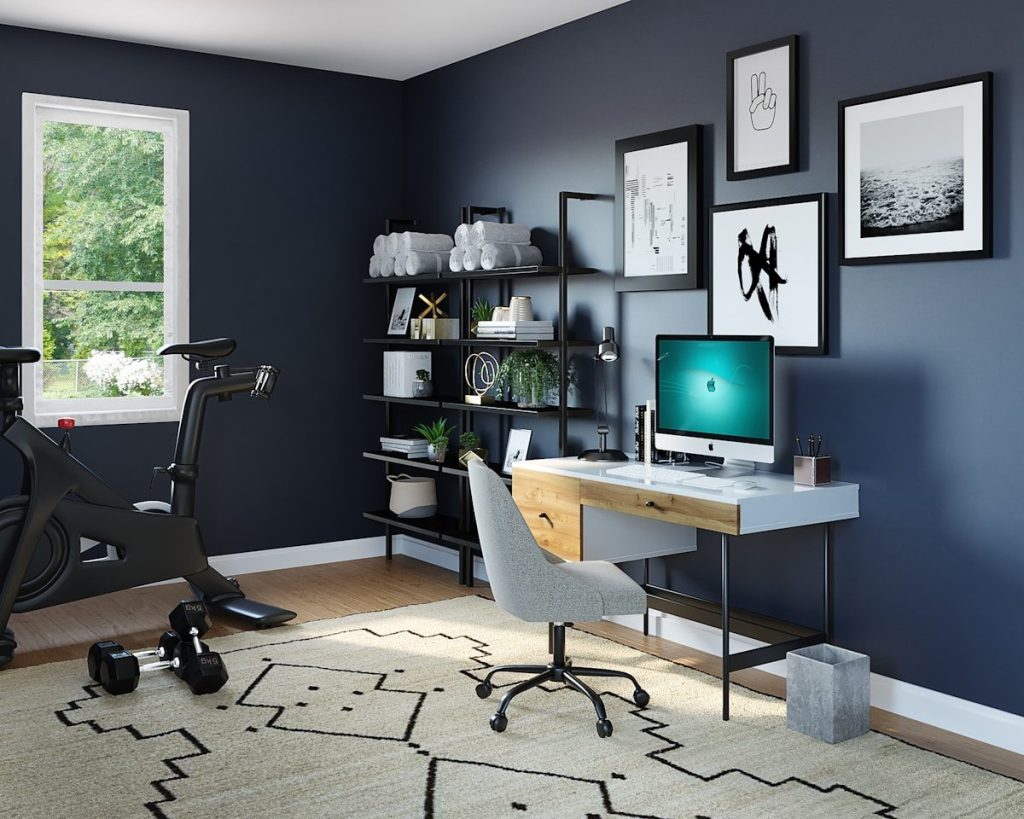
Running a successful home business requires more than motivation and a good idea. The right technology can make the difference between constant frustration and a smooth, efficient workflow. A reliable tech setup helps entrepreneurs stay organized, communicate professionally, automate tasks, and focus on growth rather than technical problems.
Today’s home businesses rely on a combination of powerful hardware, stable internet connectivity, productivity software, and smart office tools. Whether you are building an online business, managing clients remotely, or running digital marketing campaigns, investing in the right tools can significantly improve productivity and reduce stress.
This guide explores the essential technology every home business should consider, including laptops, networking solutions, ergonomic equipment, productivity software, and marketing tools.
High-Performance Computers
The computer is the heart of any home business. Most entrepreneurs spend many hours each day using their device to communicate with customers, create content, manage marketing campaigns, and run business software. Because of this, performance and reliability matter.
Business-grade laptops are often the best choice for home entrepreneurs. They are designed to handle multitasking, cloud-based software, video meetings, and productivity tools without slowing down. Models such as the Lenovo ThinkPad series are known for their durability, strong battery life, and powerful processors.
For users who work primarily in cloud applications and browsers, lightweight Chromebooks can also be an effective option. These devices are optimized for web-based work and typically offer fast startup times and simplified maintenance.
Choosing a computer with enough processing power, memory, and storage ensures that your system remains responsive even when running multiple programs simultaneously.
Dual Monitors and Workspace Accessories
One of the most effective productivity upgrades for a home office is a dual-monitor setup. Having two screens allows you to manage multiple tasks at once without constantly switching between windows.
For example, one monitor can display your email or CRM dashboard while the other is used for writing, design work, or social media management. This arrangement reduces distractions and makes multitasking far easier.
Workspace accessories can also improve comfort and organization. Monitor light bars help reduce eye strain during long work sessions by providing focused lighting without screen glare. Desk organizers and monitor stands raise screens to eye level and create additional desk space for keyboards, notebooks, and other tools.
These small adjustments can have a surprisingly large impact on productivity and physical comfort.
Ergonomic Keyboards and Mice
Comfort is an often-overlooked aspect of home office productivity. Entrepreneurs frequently spend long hours working at a computer, and poor ergonomics can lead to wrist pain, fatigue, and repetitive strain injuries.
Ergonomic keyboards and vertical mice are designed to reduce stress on the hands and wrists. Split keyboards allow the hands to rest at a more natural angle, while vertical mice position the wrist in a more neutral orientation.
Investing in ergonomic tools can help prevent long-term discomfort and make daily work sessions far more comfortable.
Reliable Internet and Networking
A fast and reliable internet connection is essential for running a home business. Video meetings, cloud storage, online marketing platforms, and digital communication tools all depend on stable connectivity.
Many home offices benefit from using a mesh Wi-Fi system rather than a single router. Mesh networks distribute multiple access points throughout a home, eliminating dead zones and providing consistent coverage in every room.
This is particularly helpful if your workspace is located far from your main internet modem or if multiple devices are connected to the network simultaneously.
Reliable connectivity ensures that video calls remain clear, files upload quickly, and cloud applications run smoothly.
Smart Office Technology
Smart home technology can also improve the functionality of a home office. Smart lighting systems allow users to control brightness and schedules through mobile apps or voice assistants. Adjusting lighting throughout the day can help reduce eye strain and create a more comfortable working environment.
Smart switches and automated controls can also manage devices such as desk lamps, fans, or charging stations. These features simplify daily routines and help create an efficient workspace that adapts to your schedule.
Although these tools may seem small, they contribute to a more streamlined and modern office environment.
AI-Powered Productivity Tools
Artificial intelligence is becoming an increasingly important part of modern business workflows. AI tools can automate routine tasks, summarize meetings, generate written content, and help organize notes.
Meeting assistant software can automatically capture key discussion points and convert them into organized summaries. This reduces the need for manual note-taking and allows participants to focus fully on conversations.
AI shortcuts and automation tools can also help with writing emails, managing tasks, and organizing information. These tools save time and reduce the mental load associated with repetitive administrative work.
Cloud Backup and Document Management
Data security is another critical consideration for home business owners. Losing important documents, customer information, or marketing assets can disrupt operations and cause major setbacks.
Cloud backup services provide automatic protection by storing secure copies of files online. If a computer fails or data is accidentally deleted, files can be quickly restored.
Document management software is also useful for handling contracts, forms, and digital paperwork. PDF editing tools allow businesses to create professional documents, collect digital signatures, and store records securely.
These systems help keep business operations organized and protected.
Communication and Digital Fax Solutions
While many businesses operate fully online, some industries still require fax communication for legal or administrative documents. Instead of using traditional fax machines, many entrepreneurs now rely on digital fax services.
Online fax platforms allow users to send and receive faxes through email or web applications. This approach eliminates bulky hardware and keeps documents stored digitally for easy reference.
Digital communication tools also streamline interactions with clients and partners, making it easier to maintain professional relationships from a home office.
CRM and Marketing Management Tools
Customer relationship management systems are essential for tracking leads, organizing contacts, and managing sales pipelines. CRM platforms allow businesses to store customer information, monitor communication history, and automate follow-up processes.
Marketing management tools can also simplify social media scheduling, campaign tracking, and content publishing. Instead of logging into multiple platforms throughout the day, entrepreneurs can manage their marketing activities from a single dashboard.
These tools help maintain consistency, improve organization, and support long-term business growth.
Building a Technology Stack That Works
The best home business technology setup focuses on reliability, efficiency, and scalability. A powerful computer, strong internet connection, ergonomic workspace, and smart software tools create a foundation that supports productivity and long-term success.
Entrepreneurs do not need to purchase every tool at once. Instead, they can gradually build a technology stack that matches their needs and workflow. Starting with essential hardware and connectivity ensures a stable base, while software and automation tools can be added over time.
With the right technology in place, running a business from home becomes far more efficient and enjoyable. A well-designed digital workspace allows entrepreneurs to stay focused on what matters most: serving customers, creating value, and building a sustainable business.